Alexandria
Alexandria
Alexandria
Alexandria has a shared Rust core with multiple interfaces. The akb CLI is the command-line interface. The desktop app is a Tauri app that can be built for macOS, Linux, and Windows. The Android app is a well-supported Tauri build that shares the same React interface, with Android-specific mobile behavior. Prebuilt binaries are not published for every platform yet, so for now you build from source.
Legend: ✅ supported, ⚠️ partial or in progress, ❌ not supported in that interface.
| Capability | CLI (akb) | Desktop app (Tauri: macOS/Linux/Windows) | Android app |
|---|---|---|---|
| Create/edit notes | ✅ create, update | ✅ rich Markdown editor | ✅ shared editor, mobile workspace |
| Tags & properties | ✅ create-tag, tag, untag, set-property | ✅ tag management and inline property editing | ✅ shared tag and property UI |
| Search | ✅ search | ✅ search modal | ✅ shared search UI |
| Media | ✅ create-media | ✅ media picker, attachments, media notes | ✅ media picker and camera flow |
<link-db> | ❌ no CLI renderer | ✅ live embedded tag tables | ✅ shared editor renders Link DB blocks |
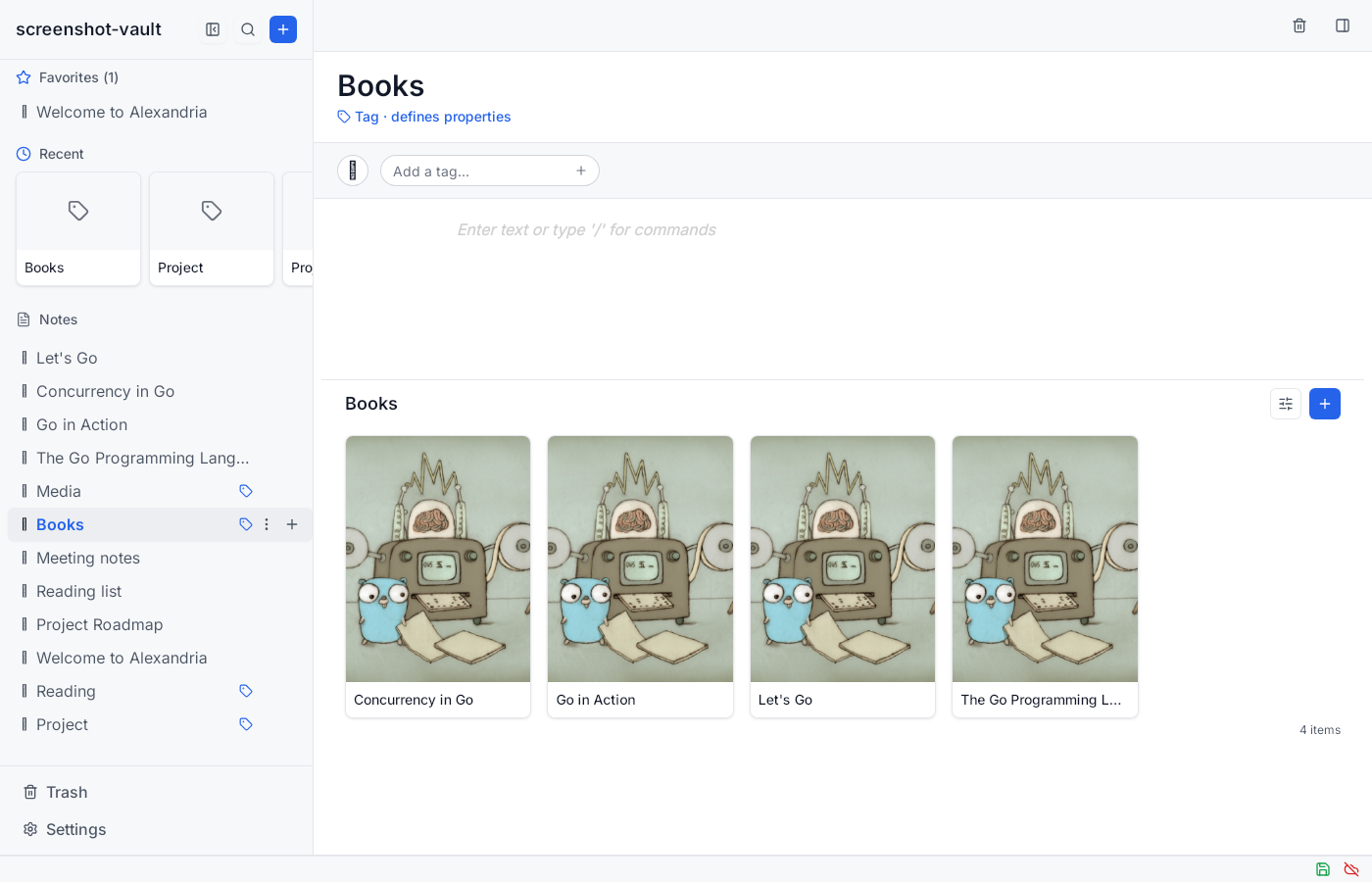
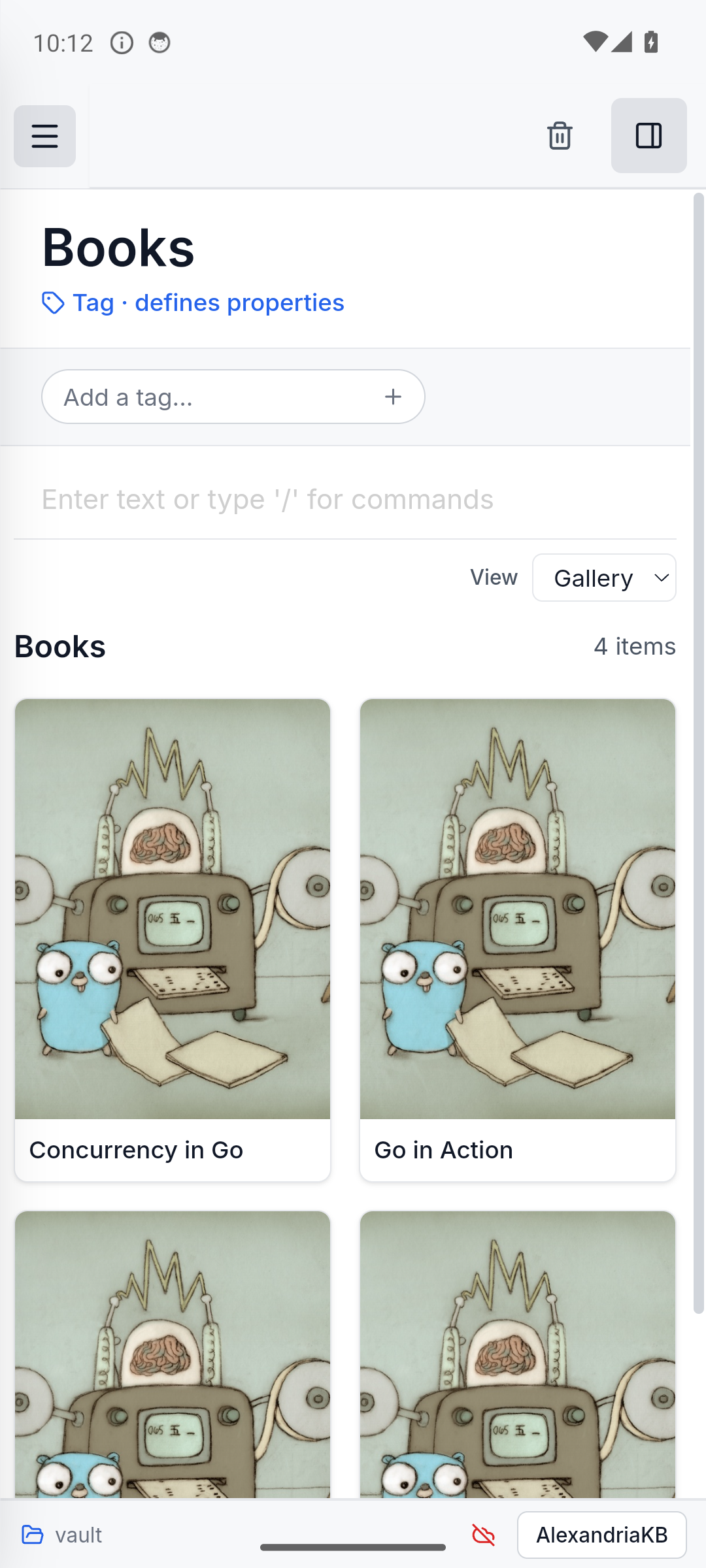
| Gallery view | ⚠️ can set table or gallery with set-tag-view, but cannot display the gallery | ✅ tag pages can switch between table and gallery | ✅ shared gallery view |
| Sync | ✅ sync command group | ✅ sync status, unlock, settings, and manual sync | ⚠️ foreground sync while open; background sync is periodic catch-up |
| Importer | ❌ not part of akb; use separate akb-importer | ❌ | ❌ |
| Article import | ✅ akb ingest article <url> | ✅ Import picker | ✅ Import picker |
| Trash | ✅ trash, list trashed, restore-from-trash, delete-from-trash, empty-trash | ✅ move, restore, permanently delete, empty trash | ✅ shared trash UI |
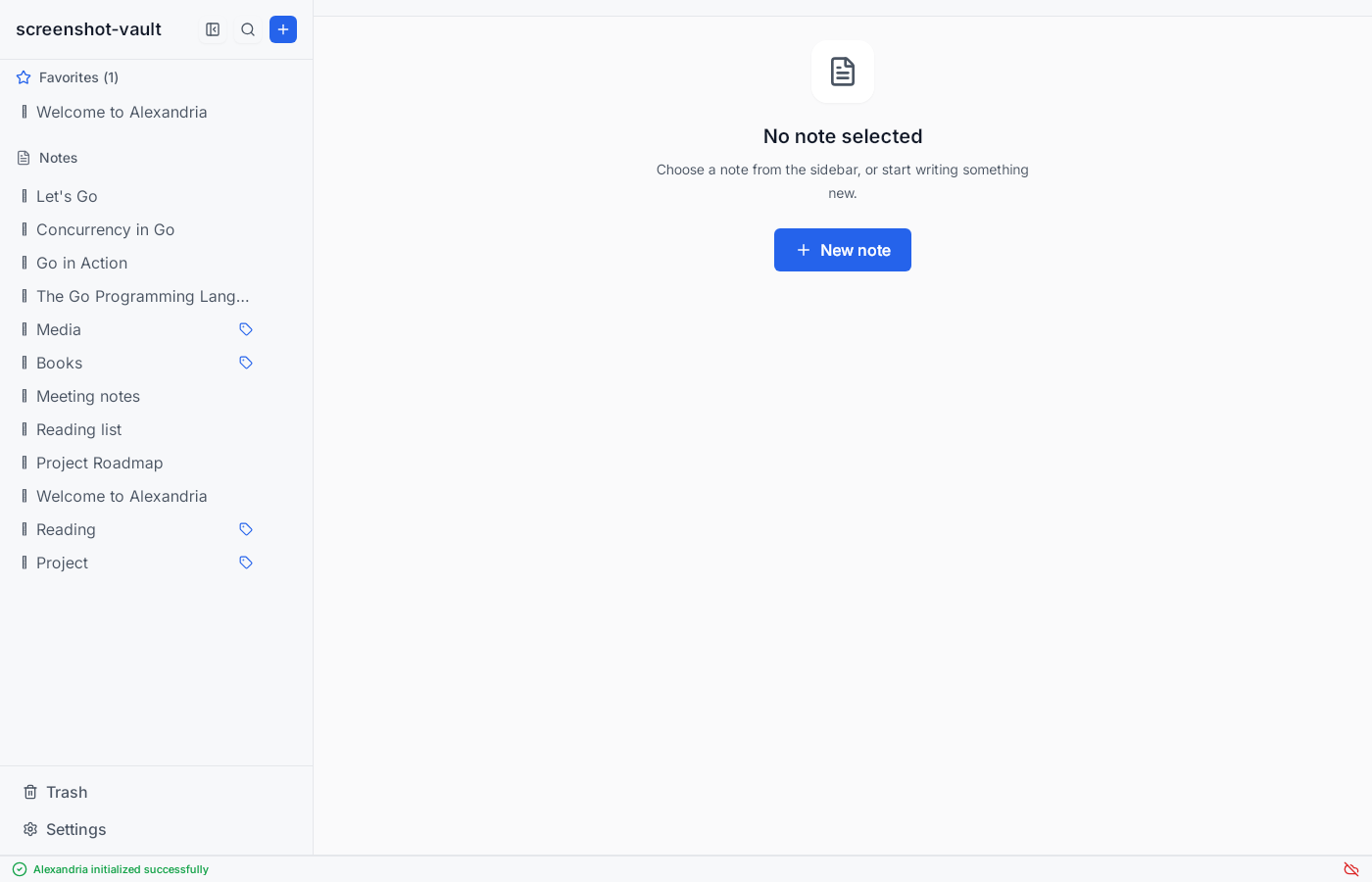
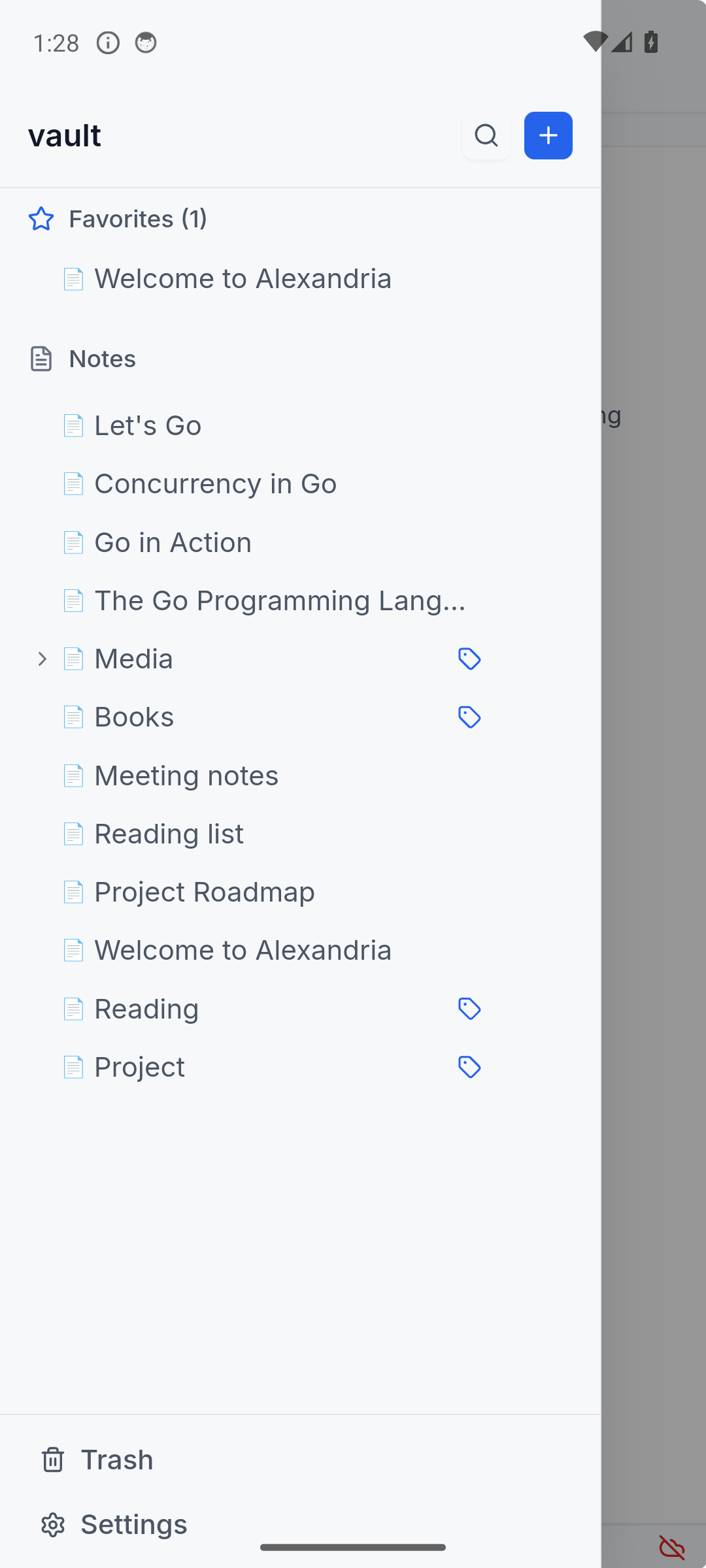
| Favorites/recents | ✅ add-favorite, remove-favorite, list favorites, list recent | ✅ sidebar favorites and recent notes | ✅ shared responsive sidebar UI |
akb --help actually offers; check it against the CLI reference rather than assuming a capability is missing because a page here does not mention it.preferences.json, so all three interfaces read and write the same lists.akb does not render interactive tables.akb subcommands.The desktop and Android apps share the same interface. A few example views:
Browsing notes
Editing a note
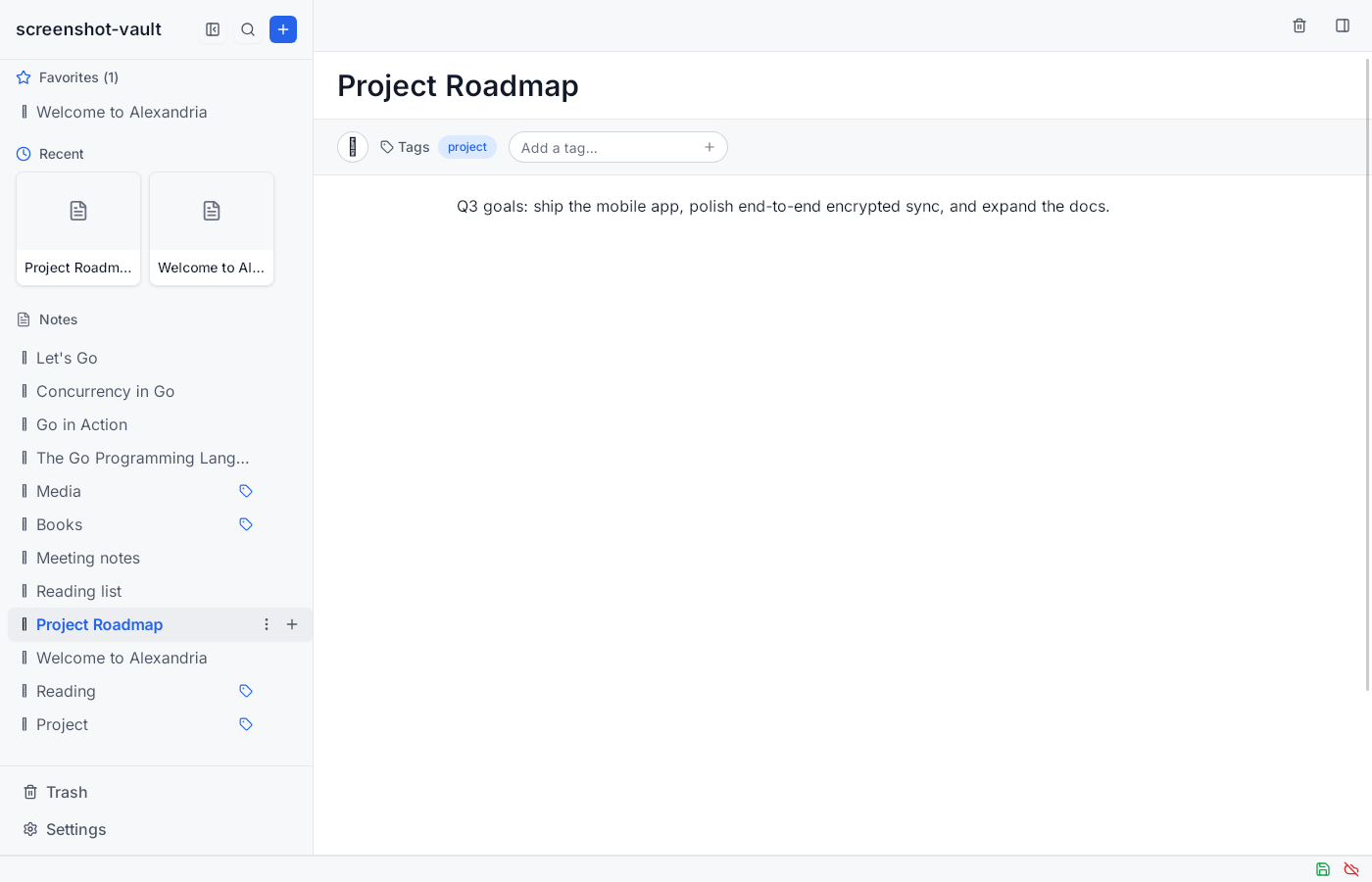
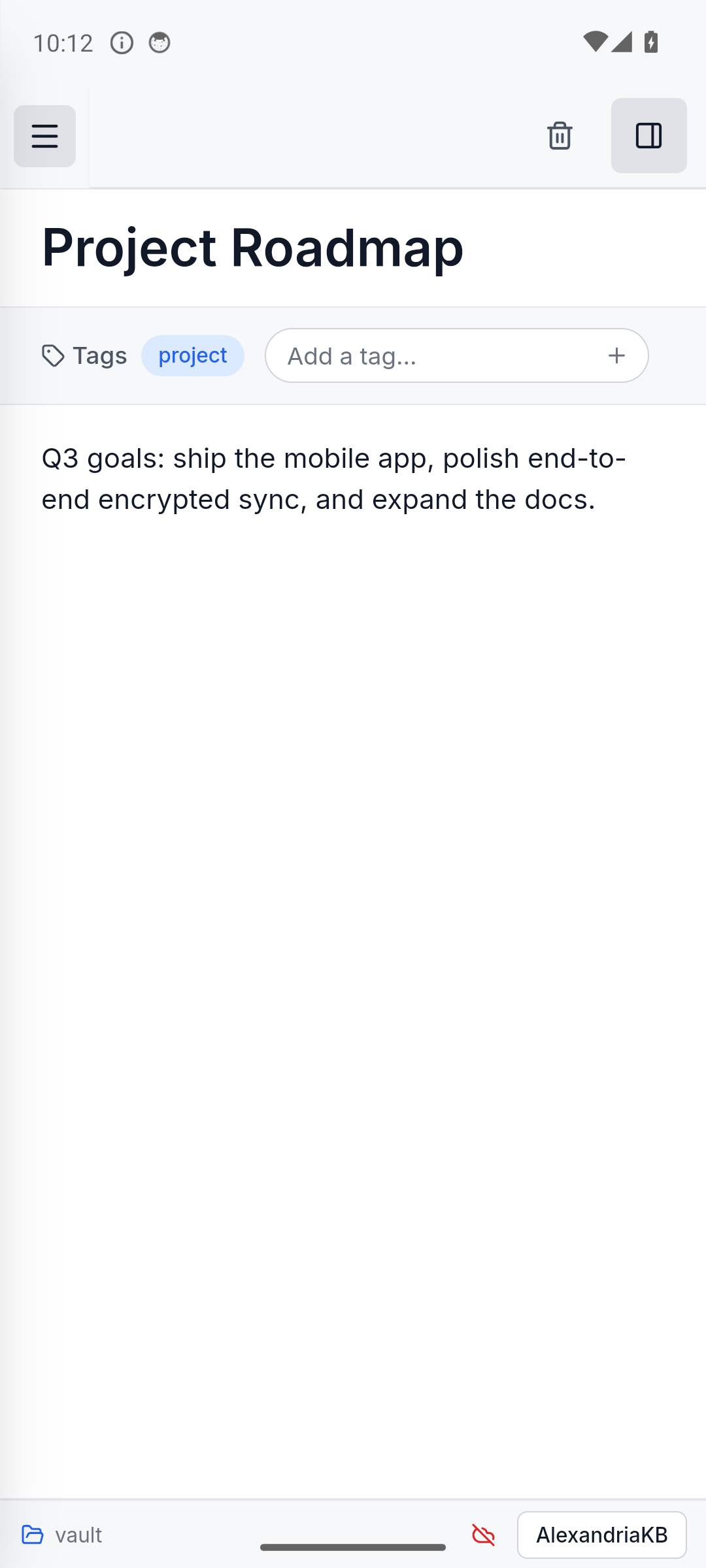
Gallery view